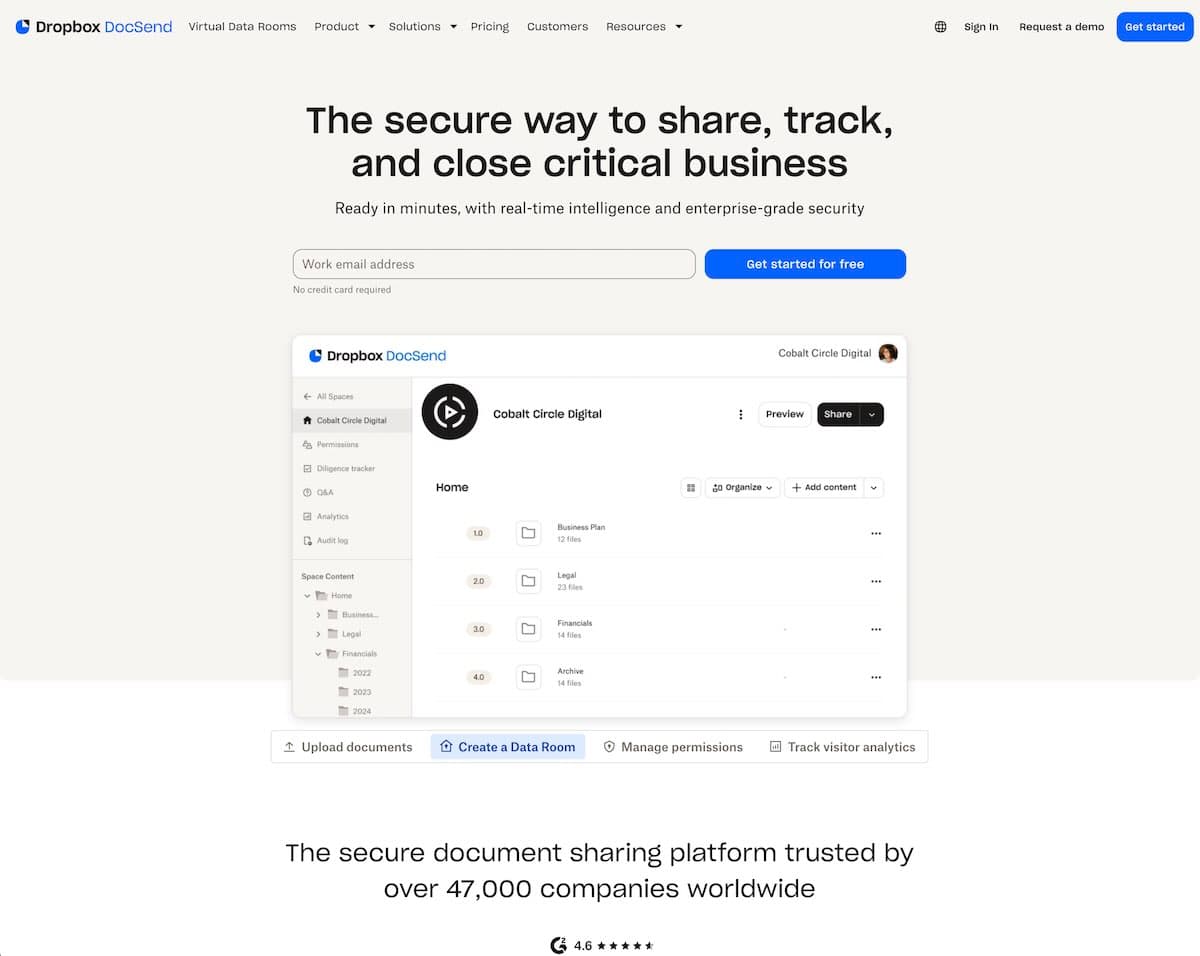
Looking for a DocSend alternative? Use this page to compare DocBeacon and DocSend on secure sharing, analytics depth, and e-signature boundaries.
If your team already uses DocSend, start by comparing the workflow you actually run today. This checklist covers the controls, analytics, and e-signature boundaries that matter most, then links to a deeper DocSend alternatives comparison for broader context.
Teams typically get up and running fast — import a document, share a link, and start seeing engagement within minutes. Workflows are straightforward, and you iterate based on real viewer behavior rather than guesswork. Secure defaults and optional controls (link expiry, watermarking, and password protection) help keep sensitive content safe without adding friction.
For fundraising shares, skip guesswork about investor intent—the pitch deck analytics benchmark highlights which slides get read or skipped so you can improve faster than with DocSend alone.
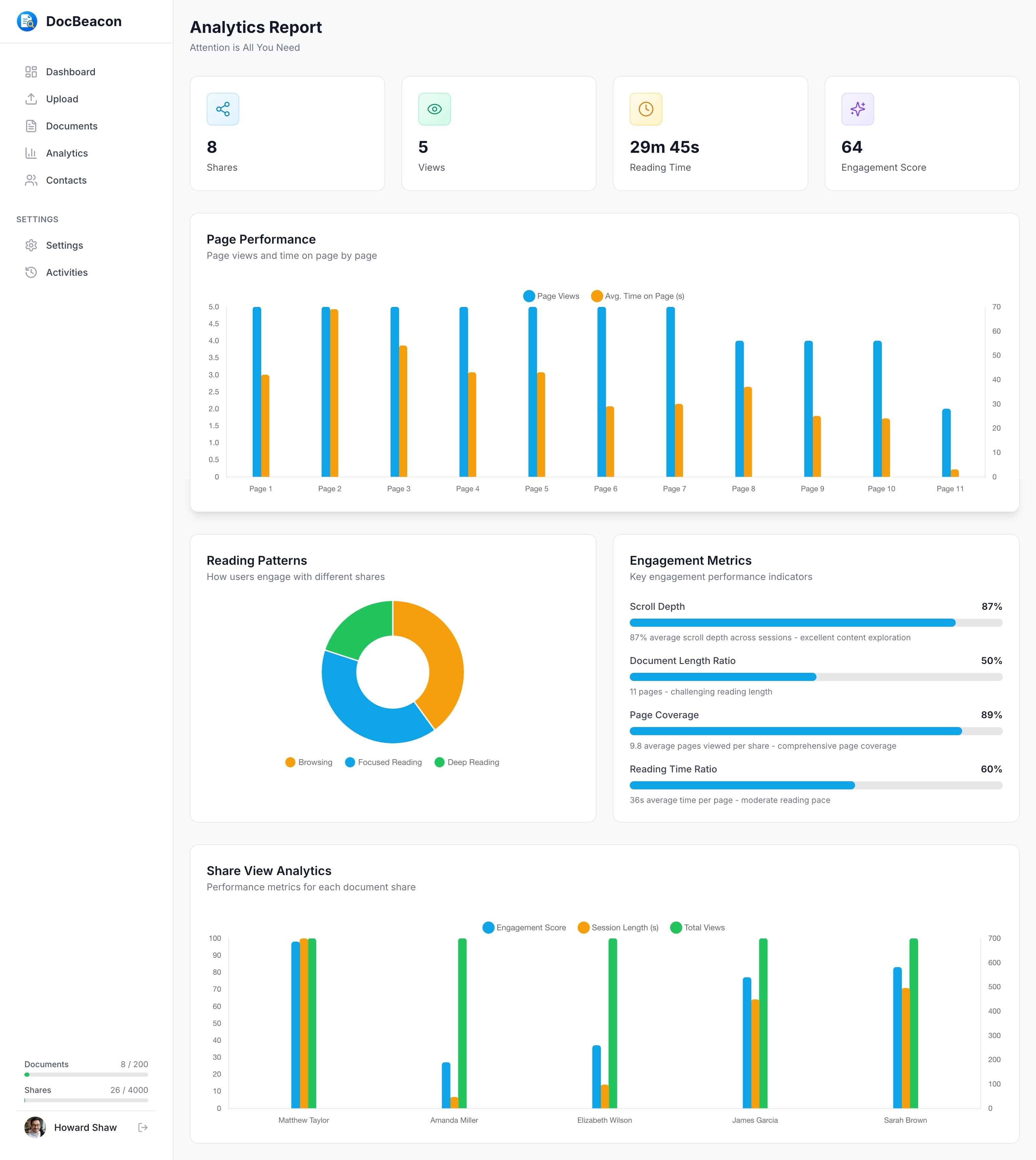
Engagement Heatmaps — See section-level attention, dwell time, and scroll behavior to identify where interest peaks or drops. Use these signals to restructure the narrative, reposition CTAs, and time outreach when intent is highest. Learn more in proposal tracking software.
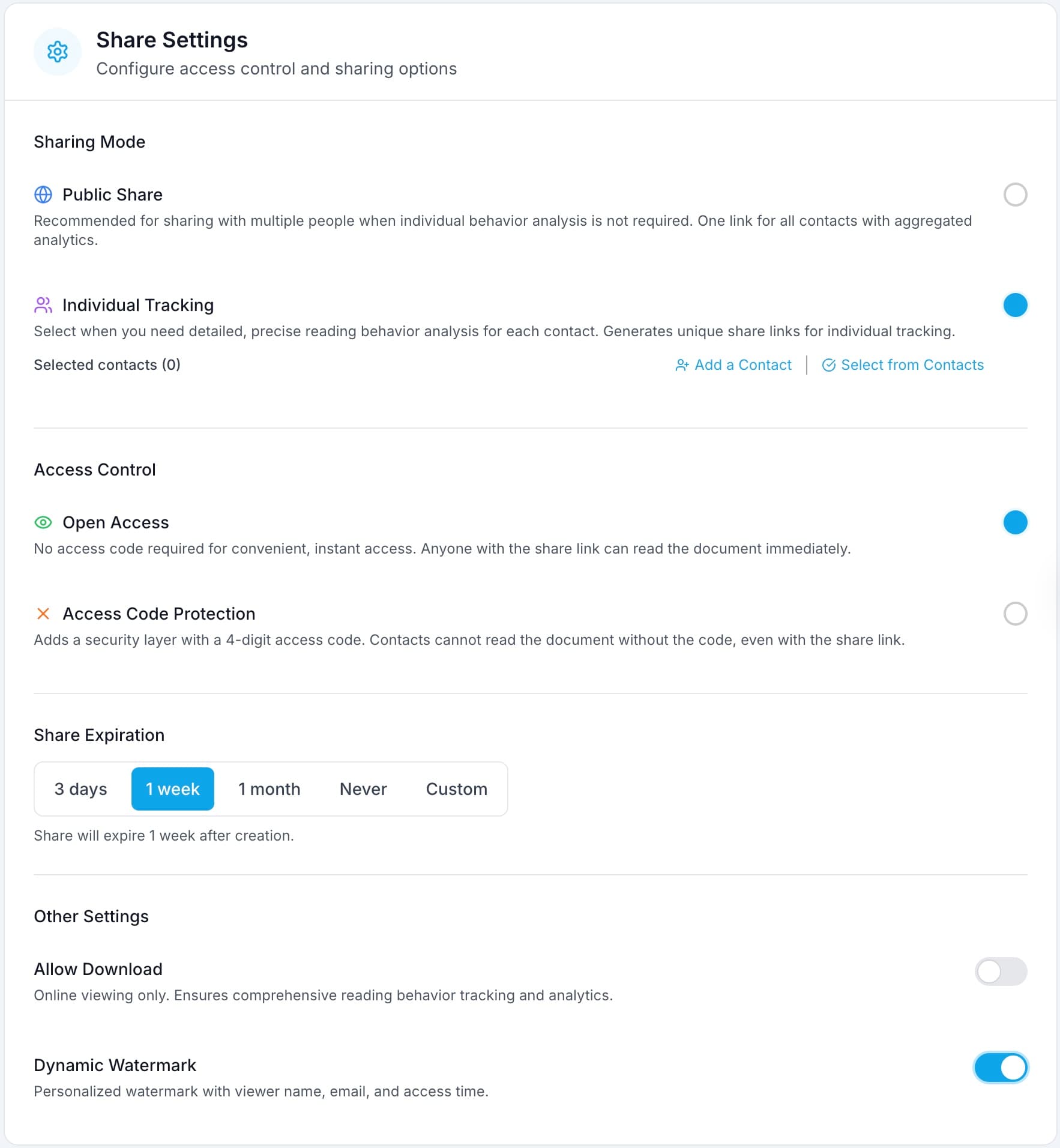
Secure Sharing — Granular controls like password protection, link expiry, view-only mode, and watermarks keep sensitive content safe without slowing teams down. Share unique, trackable links per recipient, revoke access at any time, and maintain an auditable trail of activity. See how it works in secure document sharing software.
Built-in Contact Management — Every view ties back to a person and a timeline. Personalized links, unified engagement history across documents, and simple segmentation by stage make handoffs cleaner and follow-ups more targeted.
Transparent, Predictable Pricing — Start free and scale as you need with no hidden add-ons. Budgets are easier to forecast, and many teams report lower total cost compared to DocSend while maintaining similar security and tracking coverage. Compare plans and features on the pricing page.
A pilot should make the tradeoffs obvious quickly: setup time, follow-up quality, and the clarity of the engagement signal. Results vary by workflow, so validate against live documents before making a final decision.
Add analytics and security controls that help your team share confidently and follow up intelligently. Start your free trial today—no credit card required.
Side-by-side comparison of core features. Both platforms offer enterprise-grade security, but DocBeacon emphasizes analytics-first workflows and built-in Contact Management.
All key features across categories
| Feature | DocBeacon | DocSend |
|---|---|---|
Password Protection Secure documents with custom passwords | ||
Link Expiration Set automatic expiry dates for shared links | ||
View-Only Mode Disable downloads and printing | ||
Dynamic Watermarks Add viewer email/name to document pages | ||
Email Verification Require email verification before access | ||
Visual Heatmaps (per page) Overlay heatmaps that highlight attention across pages | Advanced | Not available |
Per-Page Time Tracking Track how long viewers spend on each page | ||
Completion Rate Analytics See how many viewers read the entire document | ||
Real-time Notifications Get notified when documents are viewed | ||
Download Tracking Track when and who downloads your documents | ||
Built-in Contact Management Save and organize viewer contact information | Built-in | External only |
Personalized Sharing Links Generate custom links for each contact | Automated | Manual |
Engagement History Track all interactions with each contact | ||
e-Signature Convert files into signable, legally binding documents | Standard+ | |
Free Plan Basic features for getting started | $020 docs | $03 docs |
Professional Plan Full features for growing teams | $25per month | $65per month |
Both platforms can cover core sharing needs. DocBeacon is a better fit when analytics visibility and contact-level follow-up matter most, while DocSend may be a fit when your team wants a broader integration ecosystem or keeps e-signature in the same vendor stack.
Better fit for analytics-first teams: DocBeacon if you need granular tracking and built-in Contact Management.
Better fit for integration-heavy stacks: DocSend, if e-signature or existing integrations are a priority.
This page is optimized for replacement decisions where teams already use DocSend and want better cost predictability or deeper engagement visibility without changing core sharing workflows.
Last reviewed in May 2026. Vendor pricing and feature availability can change; verify with official pages before procurement decisions.
DocBeacon focuses on secure sharing, within-page engagement analytics, and built-in contact workflows. DocSend remains strong when teams prioritize native e-signature and specific integration requirements.
No. DocBeacon focuses on secure sharing and analytics. If your workflow requires signature execution, keep your existing e-signature tool for the final signing step.
Most teams migrate in phases: first move active documents, then recreate sharing links and access policies, then run a parallel pilot for 2 weeks before retiring old links.
No. Links and permissions should be rebuilt in DocBeacon. Validate password rules, expiry settings, watermarking, and viewer access with a controlled test group before full cutover.
DocBeacon focuses on secure sharing and analytics, not native e-signature. If signature is required, keep your existing e-signature tool in the workflow and connect it at the final signing step.
Benchmark five items: setup time, access-control accuracy, analytics actionability, follow-up speed, and total operating cost. Use the same live document set across both tools for a fair comparison.
Start free and experience better document engagement insights.