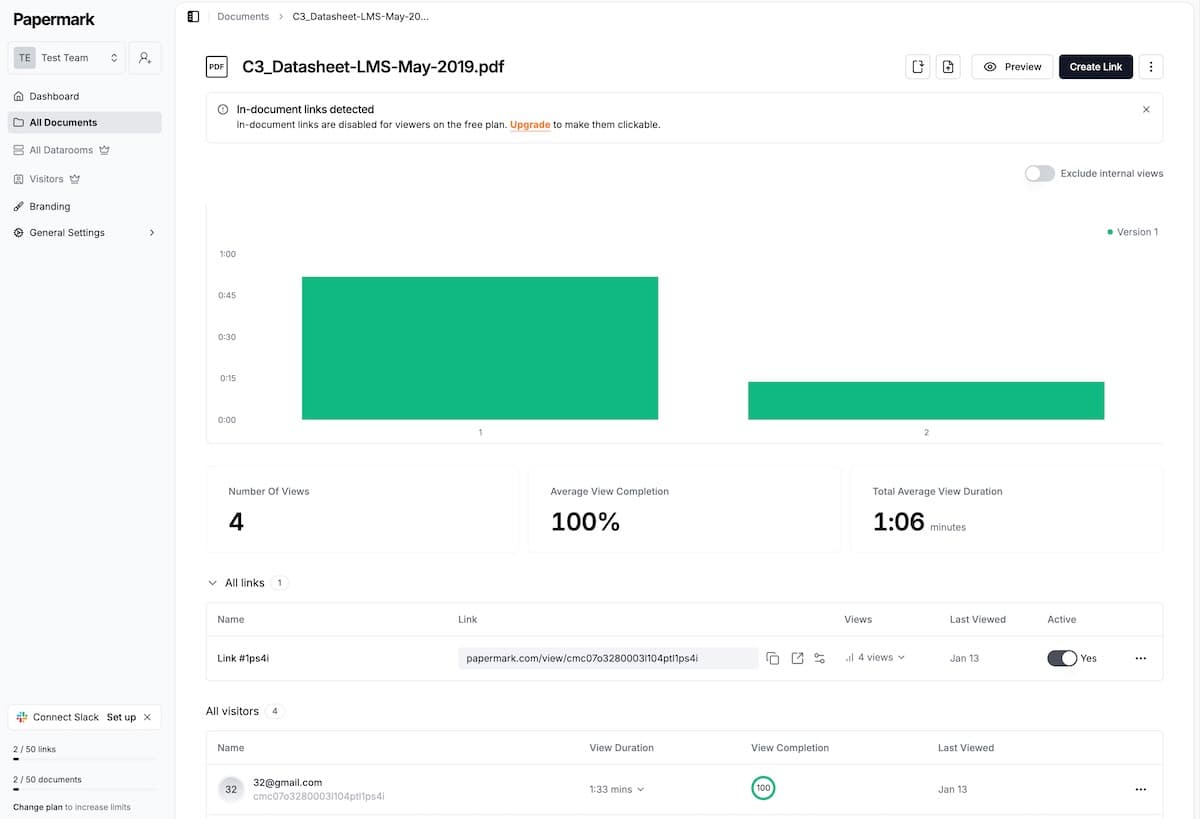
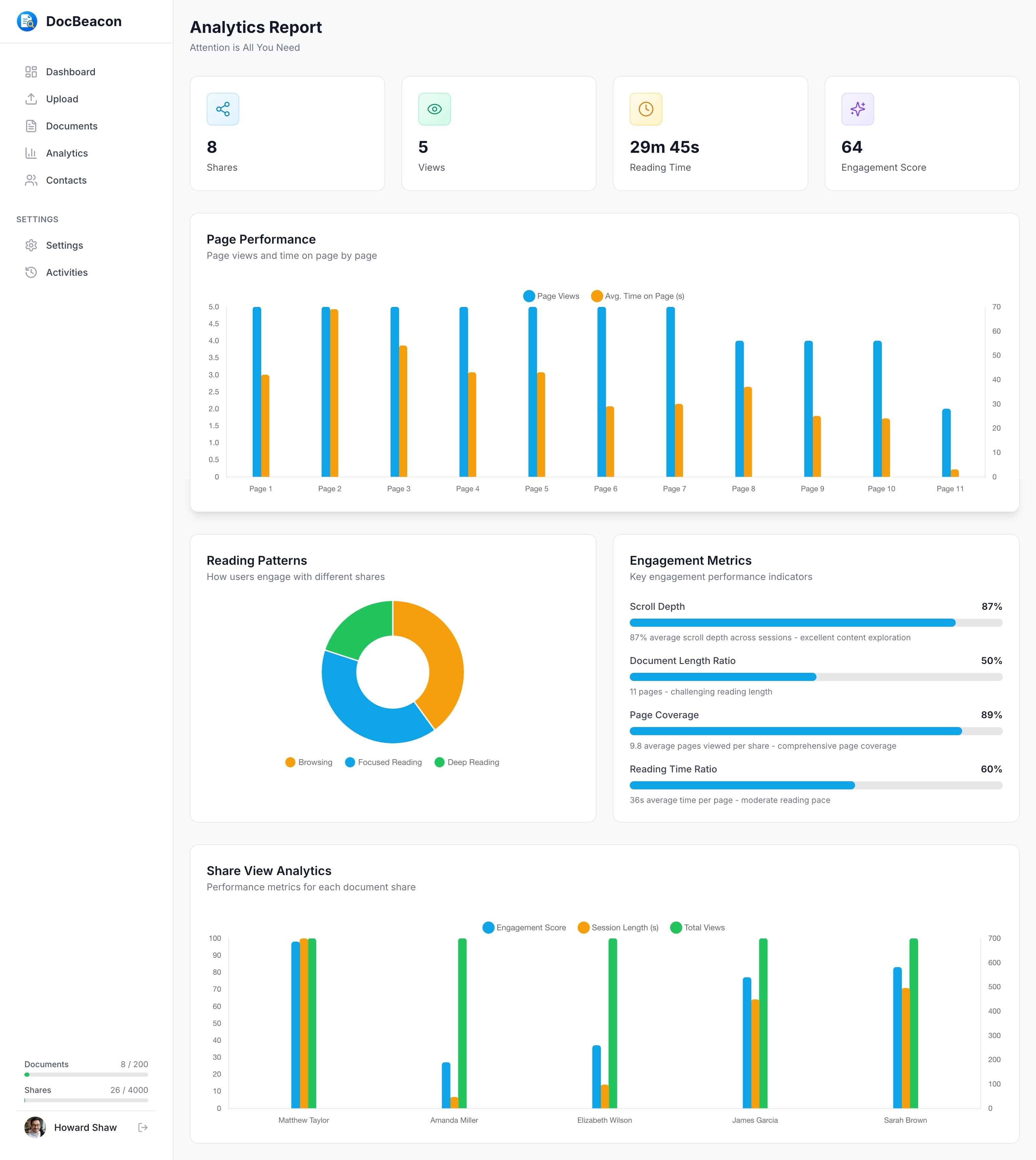
Looking for a Papermark alternative? Papermark offers open-source flexibility, self-hosting, and page-by-page analytics. DocBeacon focuses on within-page engagement heatmaps, built-in Contact Management, and predictable pricing for teams who prefer a hosted solution.
After testing leading document tracking software, we found that Papermark excels at open-source flexibility and self-hosting. DocBeacon offers comparable security with deeper analytics at a transparent price. For a comprehensive analysis, see our the best proposal tracking software comparison.
Teams typically get up and running fast — import a document, share a link, and start seeing engagement within minutes. Secure defaults and optional controls (link expiry, watermarking, password protection, and email verification) help keep sensitive content safe without friction.
Document Engagement Heatmaps — See exactly where readers focus with page-by-page heatmaps. Identify the most engaging content and optimize your documents for better conversion rates. Learn more about advanced document engagement heatpams features.
Built-in Contact Management — Save contacts, generate personalized links, and get contact-level engagement analytics without external integrations. Track every interaction in one place.
Enterprise Security + Affordability — Start free and scale with transparent plans while maintaining enterprise-grade controls.
Within the first week, teams often see faster time-to-first share, more timely follow-ups driven by real behavior, and clearer focus on the sections that influence decisions. Results vary by workflow, but the pattern is consistent: less manual guesswork, more signal-driven actions.
Add analytics and security controls that help your team share confidently and follow up intelligently. Start your free trial today—no credit card required.
Side-by-side comparison of core features. Papermark offers strong security and open-source flexibility. DocBeacon provides superior analytics and built-in Contact Management.
All key features across categories
| Feature | DocBeacon | Papermark |
|---|---|---|
Password Protection Secure documents with custom passwords | ||
Link Expiration Set automatic expiry dates for shared links | ||
View-Only Mode Disable downloads and printing | ||
Dynamic Watermarks Add viewer email/name to document pages | ||
Email Verification Require email verification before access | ||
Visual Heatmaps (per page) Overlay heatmaps that highlight attention across pages | Advanced | Not available |
Per-Page Time Tracking Track how long viewers spend on each page | ||
Completion Rate Analytics See how many viewers read the entire document | ||
Real-time Notifications Get notified when documents are viewed | ||
Built-in Contact Management Save and organize viewer contact information | Built-in | External only |
Personalized Sharing Links Generate custom links for each contact | Automated | Manual |
Engagement History Track all interactions with each contact | ||
e-Signature Convert files into signable, legally binding documents |
Both platforms offer strong security and reliable analytics. DocBeacon stands out with within-page engagement heatmaps, built-in Contact Management, and transparent pricing. Papermark shines for open-source flexibility, self-hosting, and custom domains — ideal if you want full control of your infrastructure.
Best for most teams: DocBeacon delivers granular tracking and built-in Contact Management at a competitive price.
Best for self-hosted teams: Papermark, if you need open-source control, custom domains, and data rooms.
Papermark is open-source with self-hosting and custom domains. DocBeacon focuses on within-page engagement heatmaps, built-in Contact Management, and predictable pricing.
Yes. Upload your documents to DocBeacon and recreate sharing links with similar access controls (passwords, expiry, and view-only).
Yes. DocBeacon supports password protection, link expiration, view-only access, watermarks, and email verification.
Start free and experience better document engagement insights.